正文
svelte组件:svelte3.x自定义美化虚拟滚动条组件svelte-scrollbar

 提示:扫一扫查出行
【扫一扫了解最新限行尾号】
复制提示
基于svelte3.0自定义pc端虚拟滚动条组件svelteScrollbar。
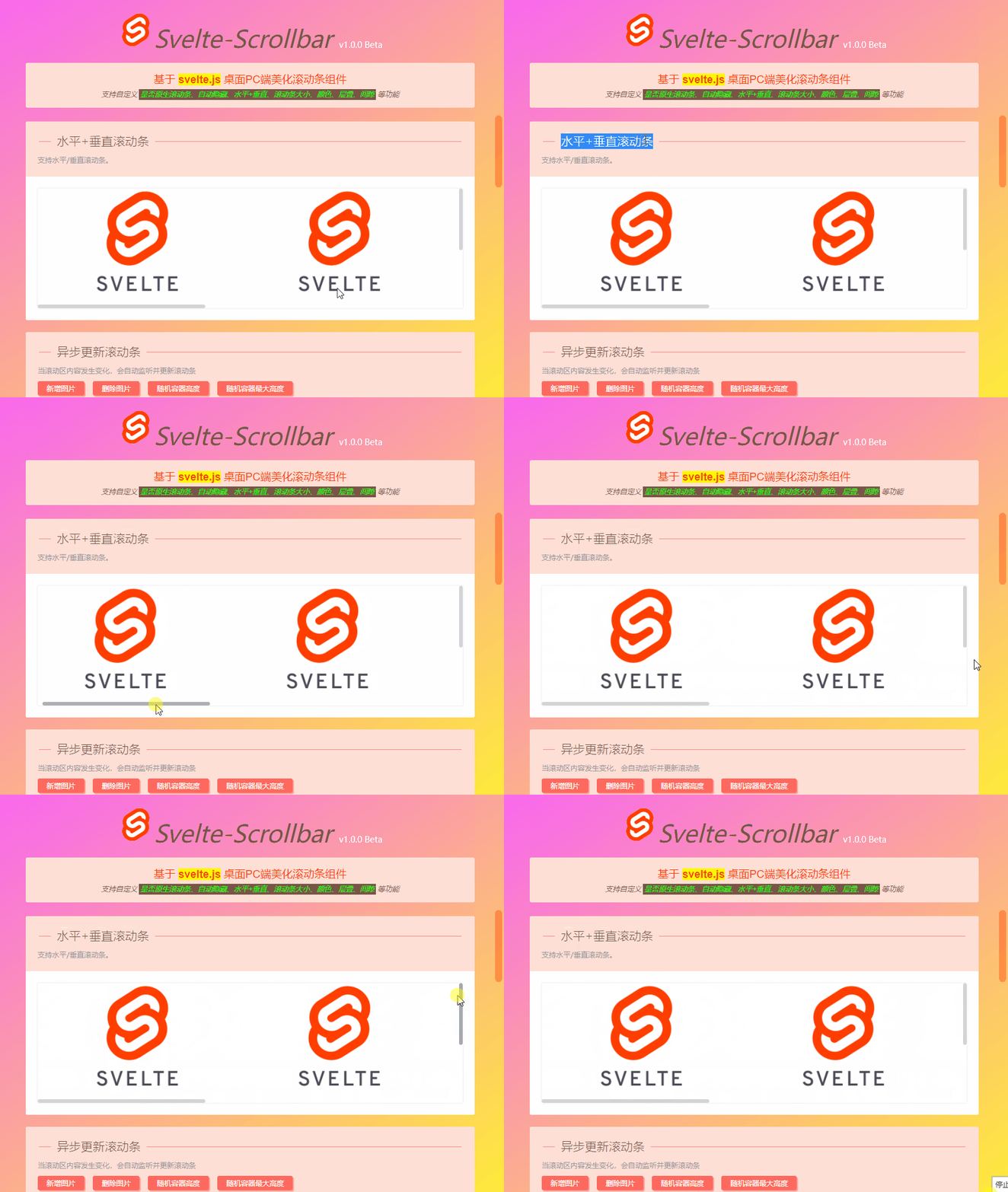
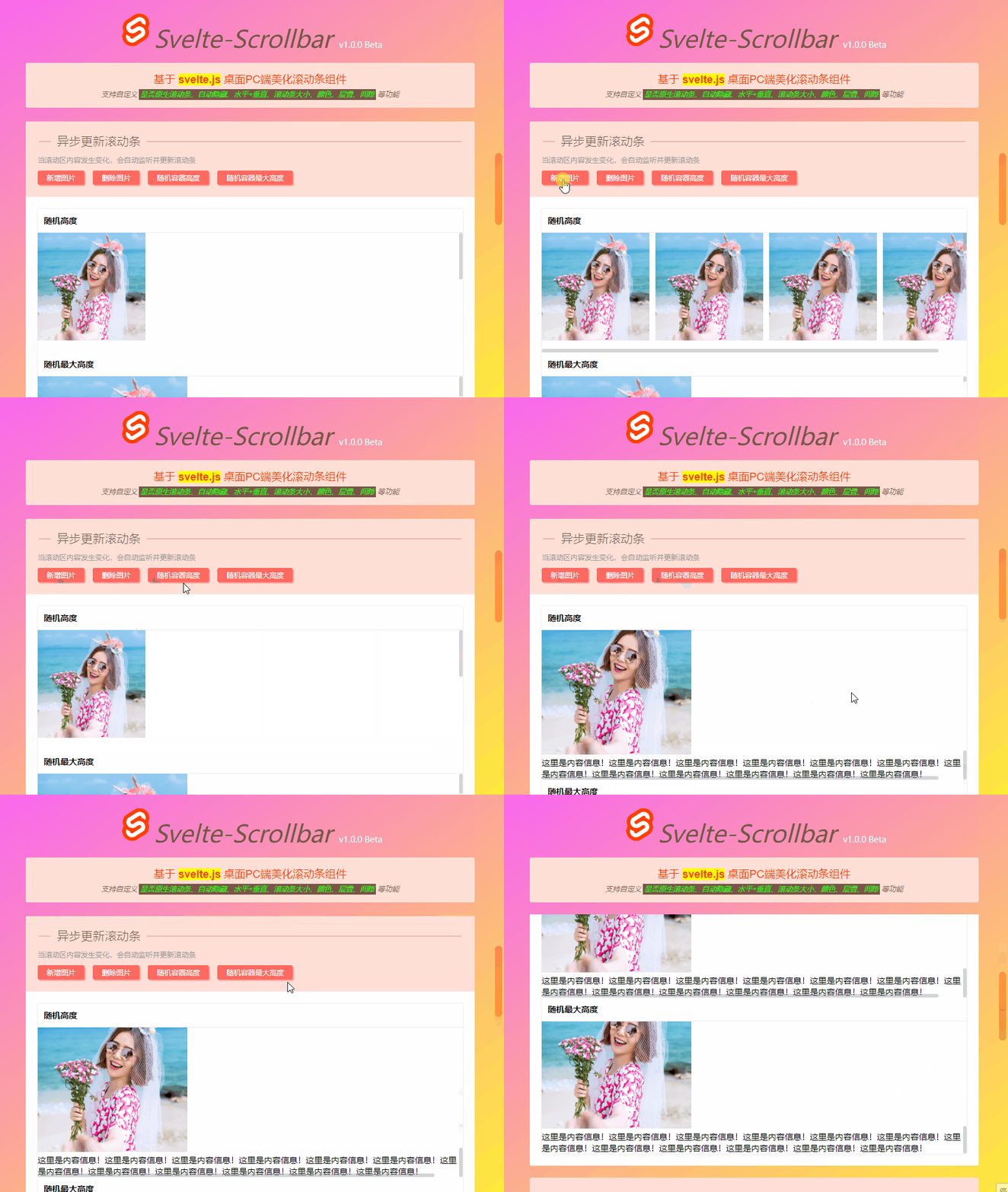
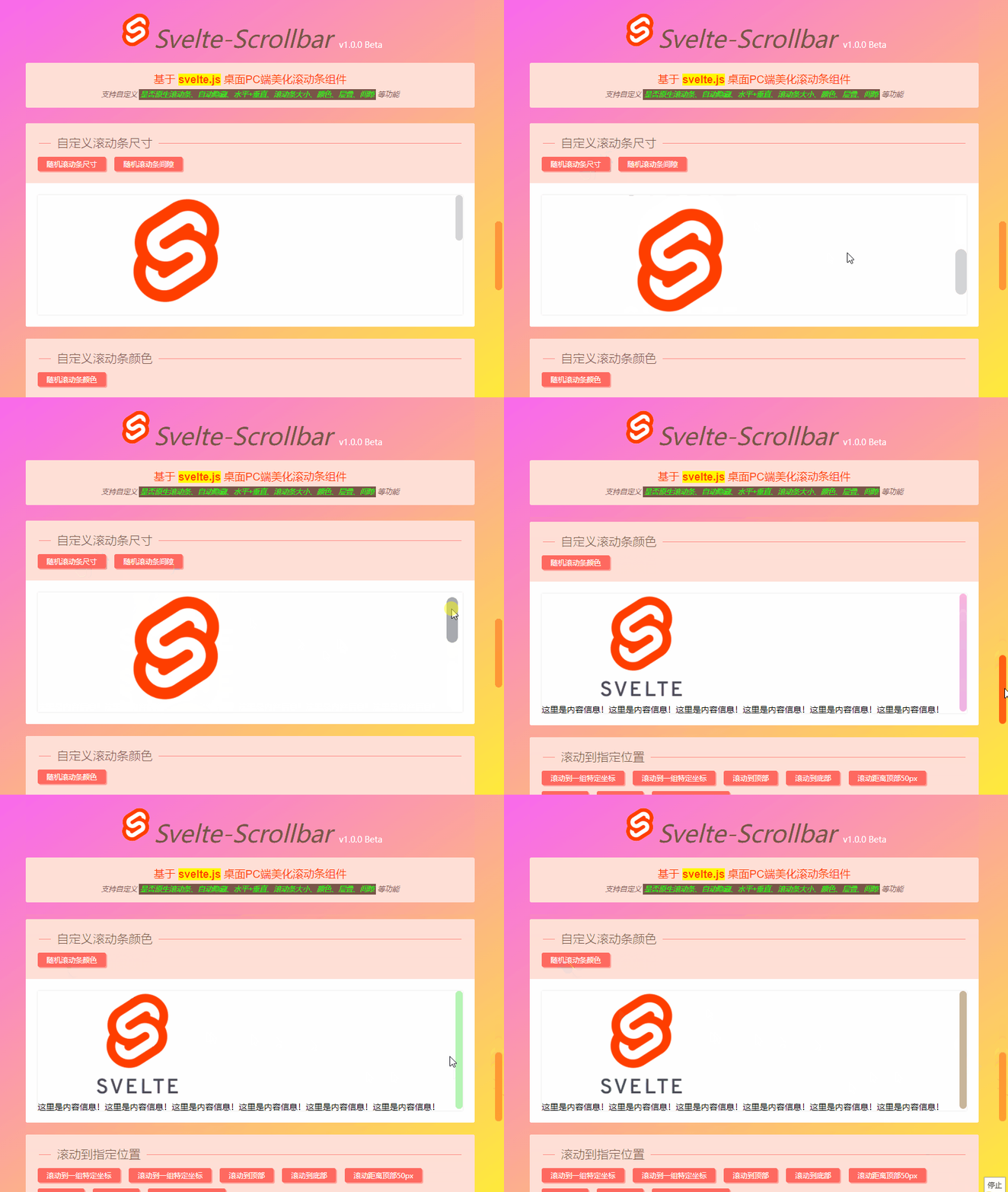
svelte-scrollbar:运用svelte3.x创建的桌面pc版自定义美化滚动条组件。支持是否原生滚动条、自动隐藏、水平+垂直滚动(滚轮滑动)、自定义滚动条大小、背景色、间距及动态实时更新等功能。
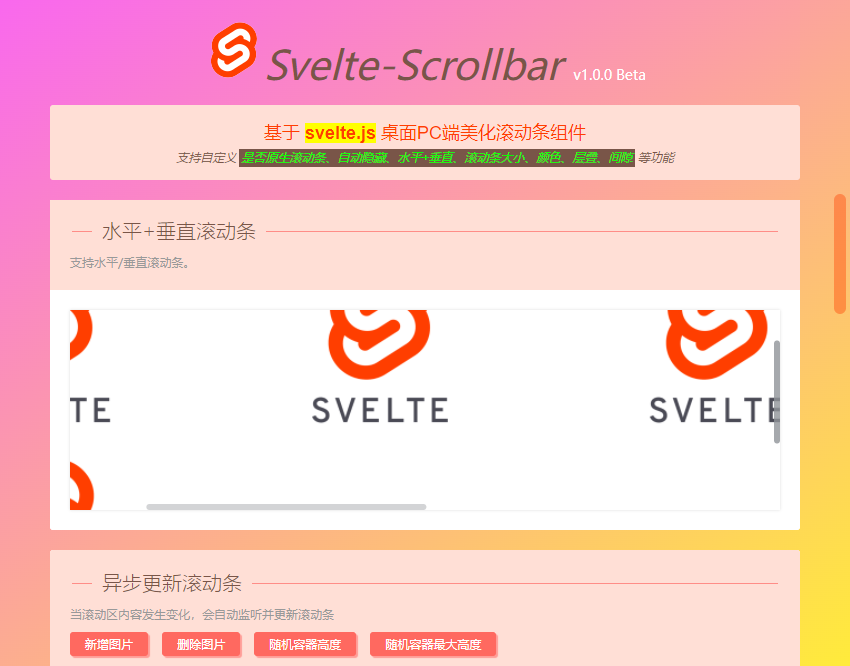
svelteScrollbar功能及效果有些类似elementUI组件库中的el-scrollbar组件。

◆ 引入使用
在需要使用虚拟滚动条的页面引入组件。
import Scrollbar from '$lib/Scrollbar'

◆ 快速使用
使用 <Scrollbar></Scrollbar> 包住的内容,即可快速生成一个虚拟滚动条组件。
<!-- //原生滚动条 -->
<Scrollbar native>
<div>自定义内容信息。</div>
</Scrollbar><!-- //自动隐藏滚动条 -->
<Scrollbar autohide={true}>
<div>自定义内容信息。</div>
</Scrollbar><!-- //水平滚动条(支持滚轮滑动) -->
<Scrollbar mousewheel>
<div>自定义内容信息。</div>
</Scrollbar><!-- //自定义高度/最大高度 -->
<Scrollbar height="200" maxHeight="350">
<div>自定义内容信息。</div>
</Scrollbar><!-- //自定义大小/间隙/颜色 -->
<Scrollbar size="10px" gap="5" color="#09f">
<div>自定义内容信息。</div>
</Scrollbar>
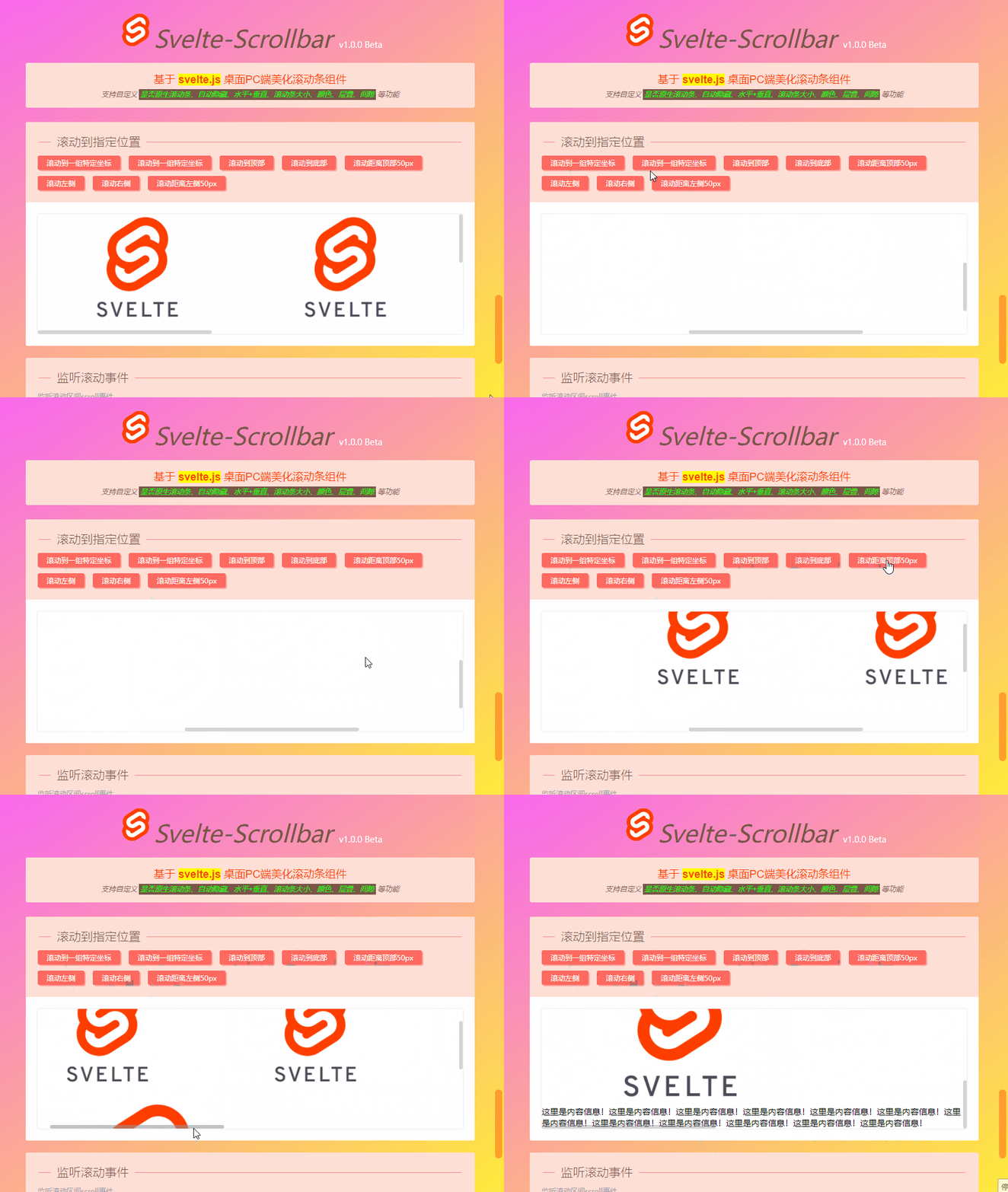
◆ 实现过程
svelteScrollbar支持如下自定义参数配置。
<script>
// 是否开启原生滚动条
export let native = false
// 是否自动隐藏滚动条
export let autohide = false
// 滚动条尺寸
export let size = undefined
// 滚动条颜色
export let color = ''
// 滚动条层叠
export let zIndex = null
// 滚动条区域高度
export let height = undefined
// 滚动条区域最大高度
export let maxHeight = undefined
// 滚动条间隙
export let gap = 0
// 是否开启水平滚轮滚动控制
export let mousewheel = false ...
</script>
组件模板及js逻辑处理部分。
<div class="vui__scrollbar" bind:this={el} on:mouseenter={handleMouseEnter} on:mouseleave={handleMouseLeave}>
<div class="vscroll__wrap" class:hidenative={!bool(native)} bind:this={wrap} on:scroll={handleScroll} on:mousewheel={handleMouseWheel} style="{wrapStyle}">
<slot />
</div>
<div class="vscroll__bar vertical" class:ishide={!data.isShowBar} on:mousedown={e => handleClickTrack(e, 0)} >
<div class="vscroll__thumb" bind:this={barY} style="background: {color}; height: {data.barHeight}px; width: {addUnit(size)}" on:mousedown={e => handleDragThumb(e, 0)}></div>
</div>
<div class="vscroll__bar horizontal" class:ishide={!data.isShowBar} on:mousedown={e => handleClickTrack(e, 1)}>
<div class="vscroll__thumb" bind:this={barX} style="background: {color}; width: {data.barWidth}px; height: {addUnit(size)}" on:mousedown={e => handleDragThumb(e, 1)}></div>
</div>
</div><script>
/**
* @Desc svelte3.x桌面端虚拟滚动条组件SvelteScrollbar
* @Time andy by 2022-05
* @About Q:282310962 wx:xy190310
*/ // ... import { onMount, afterUpdate, createEventDispatcher, tick } from 'svelte'
const dispatch = createEventDispatcher() import util from './util' $: data = {
// 滚动条宽度
barWidth: 0,
// 滚动条高度
barHeight: 0,
// 滚动条水平偏移率
ratioX: 1,
// 滚动条垂直偏移率
ratioY: 1,
// 鼠标是否按住滚动条
isTaped: false,
// 鼠标是否悬停于滚动区域
isHover: false,
// 显示滚动条
isShowBar: !bool(autohide)
} const bool = (boolean) => JSON.parse(boolean) ? true : false
const addUnit = (val) => val ? parseInt(val) + 'px' : null let observeTimer = null
let c = {}
// 滚动条对象
let el
let wrap
let barX
let barY $: wrapStyle = `height: ${addUnit(height)}; max-height: ${addUnit(maxHeight)}`
$: GAP = addUnit(gap) onMount(() => {
console.log('监听滚动条开启...') updated() let observer = new MutationObserver(mutation => {
updated()
}) observer.observe(wrap, {
attributes: true,
childList: true,
subtree: true,
attributeFilter: [
'style', 'class'
]
}) window.addEventListener('resize', util.throttle(updated)) return () => {
observer.disconnect()
window.removeEventListener('resize', updated)
console.log('监听滚动条关闭...')
}
}) afterUpdate(() => {
// console.log('监听dom更新...')
}) // 鼠标滑入
function handleMouseEnter() {
data.isHover = true
data.isShowBar = true
updated()
} // 鼠标滑出
function handleMouseLeave() {
data.isHover = false
if(!data.isTaped && bool(autohide)) {
data.isShowBar = false
}
} // 拖动滚动条
function handleDragThumb(e, index) {
// ...
} // 点击滚动条插槽
function handleClickTrack(e, index) {
if(index == 0) {
wrap.scrollTop = (Math.abs(e.target.getBoundingClientRect().top - e.clientY) - barY.offsetHeight / 2) * data.ratioY
barY.style.transform = `translateY(${wrap.scrollTop / data.ratioY}px)`
}else {
wrap.scrollLeft = (Math.abs(e.target.getBoundingClientRect().left - e.clientX) - barX.offsetWidth / 2) * data.ratioX
barX.style.transform = `translateX(${wrap.scrollLeft / data.ratioX}px)`
}
} // 更新滚动区
async function updated() {
// ...
} // 鼠标滚动事件
function handleScroll(e) {
let target = e.target
let status
if(target.scrollTop == 0) {
status = 'top' // 滚动至顶部
}else if(target.scrollTop + target.offsetHeight >= target.scrollHeight) {
status = 'bottom' // 滚动至底部
} /**
* 父组件调用 const { target, status, scrollTop, scrollLeft } = e.detail
*/
dispatch('scroll', {
target, // 滚动对象
status, // 滚动状态(记录滚动位置)
scrollTop: target.scrollTop,
scrollLeft: target.scrollLeft
})
updated()
} // 控制滚轮水平滚动
function handleMouseWheel(e) {
if(!bool(mousewheel)) return
e.preventDefault()
if(wrap.scrollWidth > wrap.offsetWidth) {
wrap.scrollLeft += e.deltaY
}
} // 滚动到一组特定坐标
export async function scrollTo(arg1, arg2) {
await tick() if(typeof arg1 == 'object') {
wrap.scrollTo(arg1)
}else if(!isNaN(arg1) && !isNaN(arg2)) {
wrap.scrollTo(arg1, arg2)
}
} // 设置滚动条到顶部的距离
export async function setScrollTop(value) {
await tick() wrap.scrollTop = value == 'top' ? 0 : value == 'bottom' ? wrap.scrollHeight : parseInt(value)
barY.style.transform = `translateY(${wrap.scrollTop / data.ratioY}px)`
} // 设置滚动条到左边的距离
export async function setScrollLeft(value) {
await tick() wrap.scrollLeft = value == 'left' ? 0 : value == 'right' ? wrap.scrollWidth : parseInt(value)
barX.style.transform = `translateX(${wrap.scrollLeft / data.ratioX}px)`
}
</script><style>
@import 'Scrollbar.scss';
</style>
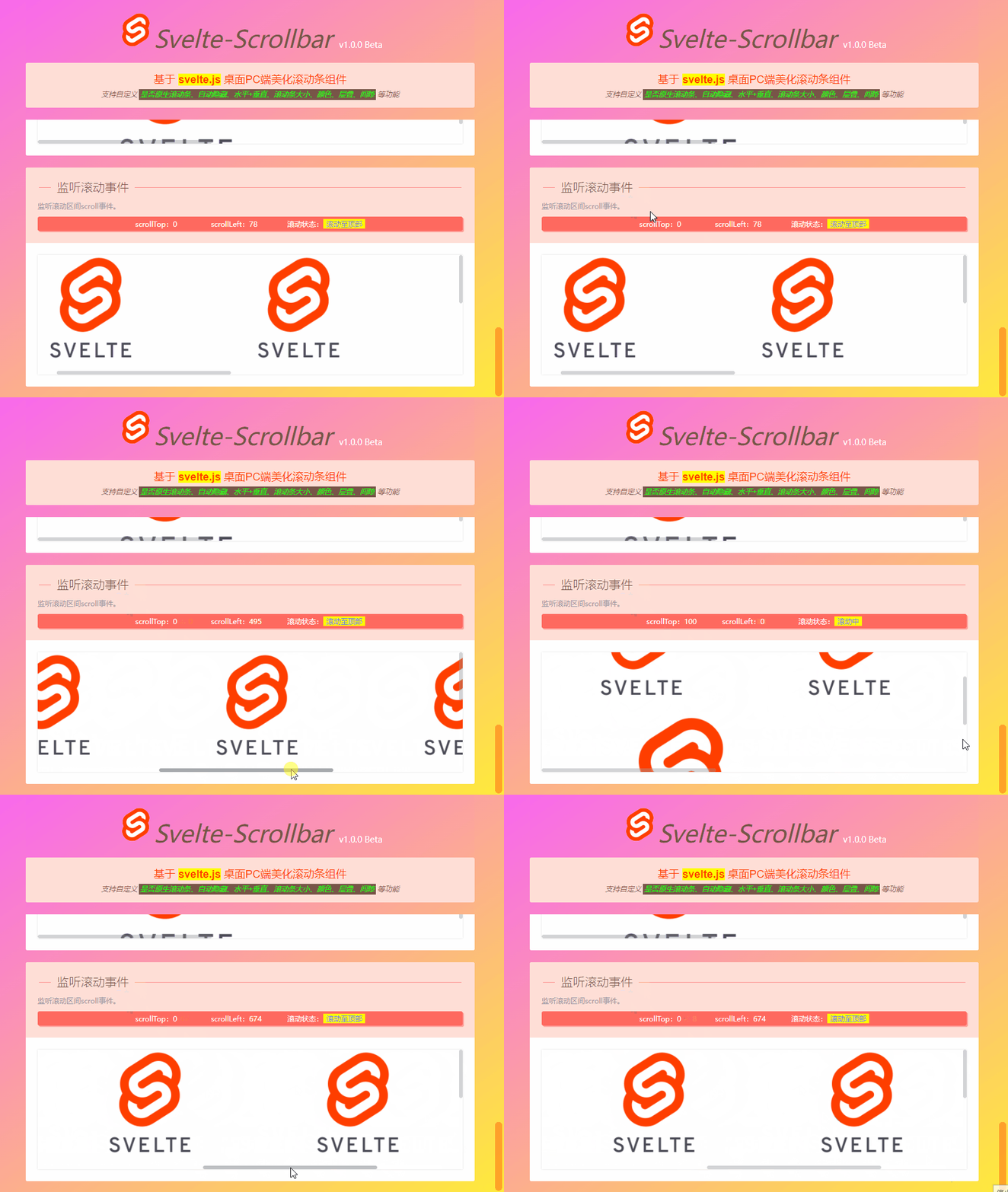
如上图:支持监听scroll滚动事件。
<Scrollbar on:scroll={handleScroll}>
<div>自定义内容信息。</div>
</Scrollbar><script>
// 监听滚动事件
function handleScroll(e) {
const { target, status, scrollTop, scrollLeft } = e.detail
scrollTopVal = scrollTop
scrollLeftVal = scrollLeft // 判断滚动状态(方法1)
/*if(scrollTop == 0) {
scrollStatus = '滚动至顶部'
}else if(scrollTop + target.offsetHeight >= target.scrollHeight) {
scrollStatus = '滚动底部'
}else {
scrollStatus = '滚动中'
}*/ // // 判断滚动状态(方法2)
if(status == 'top') {
scrollStatus = '滚动至顶部'
}else if(status == 'bottom') {
scrollStatus = '滚动底部'
}else {
scrollStatus = '滚动中'
}
}
</script>
Okay,基于svelte.js开发自定义虚拟滚动条组件就分享到这里。希望对大家有些帮助哈~~
最后附上一个Svelte3自定义pc端对话框组件
svelte-layer基于svelte3.x自定义弹窗组件:https://www.cnblogs.com/xiaoyan2017/p/16158044.html